Cage cards
Create, download and print cage cards for local or national pigeon exhibitions with few clicks. Automatic best coefficients selection for every olympic category
من الجيد أن تعرف قبل أن تبدأ
- To create an cage card, you need to be registered user and your account has to be paired with fancier record
- show guide for registration and account pairing
- In case you cannot access your pigeon profiles, you can ask your local administrator to do it for you, administrators have full access to pigeon profiles and cage cards
- For special exhibitions categories like "Race winner" or "Club champion" you can use performance category, to show all pigeon's prizes and then rename category name to whatever you want
This guide will help you find the way to create and download exhibitions sheet for your pigeons filled with their race data from our database.
Accessing pigeon's profile
Access profile as fancier
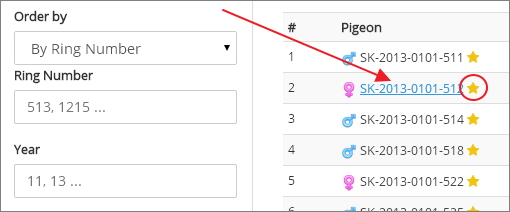
As owner of the pigeon, you can access pigeon's profile simply by clicking on pigeon's ring number in the results, competition, or My Pigeons section of our website. To be able to click on the number - you should see a yellow star next to it - that means that you are privileged to see profile of this pigeon.
Accessing profile as administrator
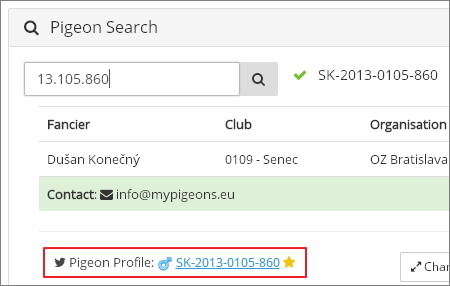
Administrators can use Admin area to access profiles of pigeons. They can search for specific pigeon by their ring number and click on the search result.
Creating cage card
Access sheet creation
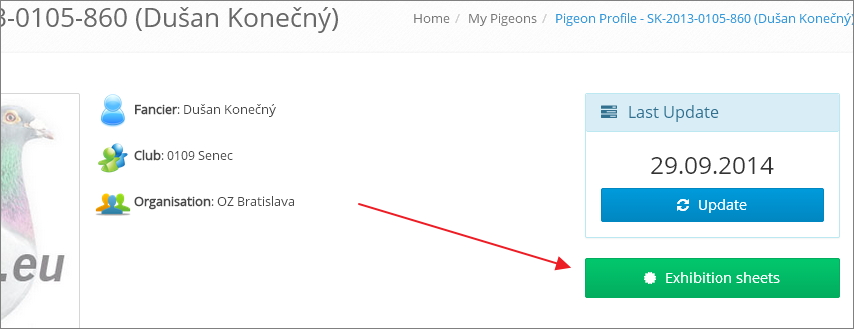
First step is to click on "Cage cards" button in the upper right part of profile
Specify exhibition details and select category
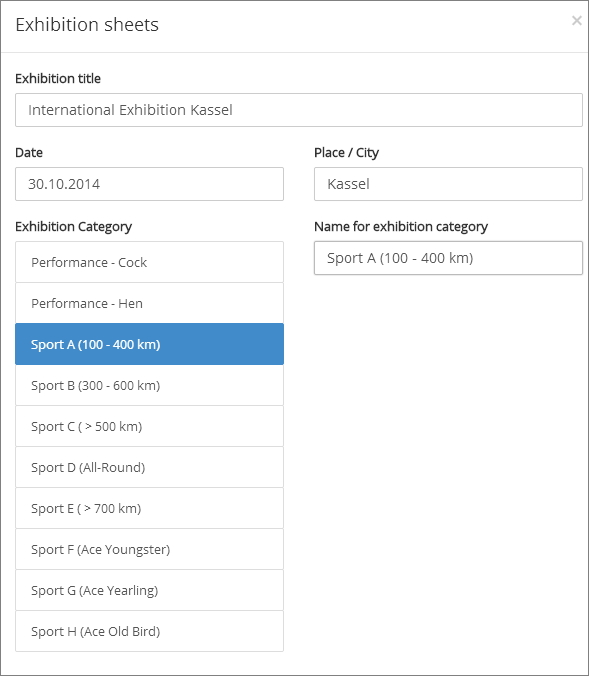
In second step you specify details about Exhibition (name of the event, date and place), then you select category for race data selection (from FCI categories selection) and optionally you can change Category name
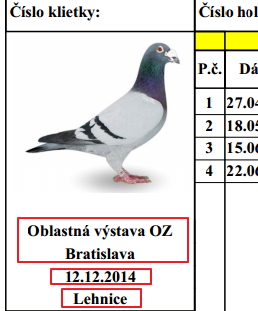
Details of exhibition are showed on the left side of the sheet
Generating the sheet
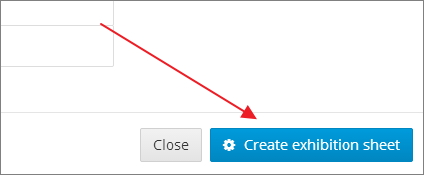
To create a new cage card, simply click on "Create cage card" button in the bottom right corner
Downloading generated sheet
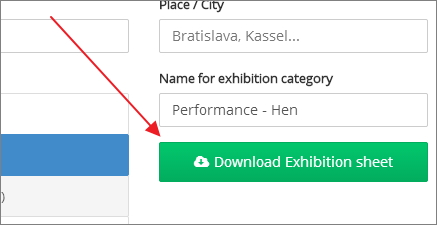
Generating the sheet should not take longer than few seconds and right after it is prepared, you will see a new button for downloading the sheet to your computer. Just click it, save the file to your computer, check the data, print it and you are ready to go.